Best MW4 Controller Settings
Tune MW4 controller sensitivity, ADS and deadzones on PS5, Xbox and PC, with a clear distinction between practical advice and verified game updates.
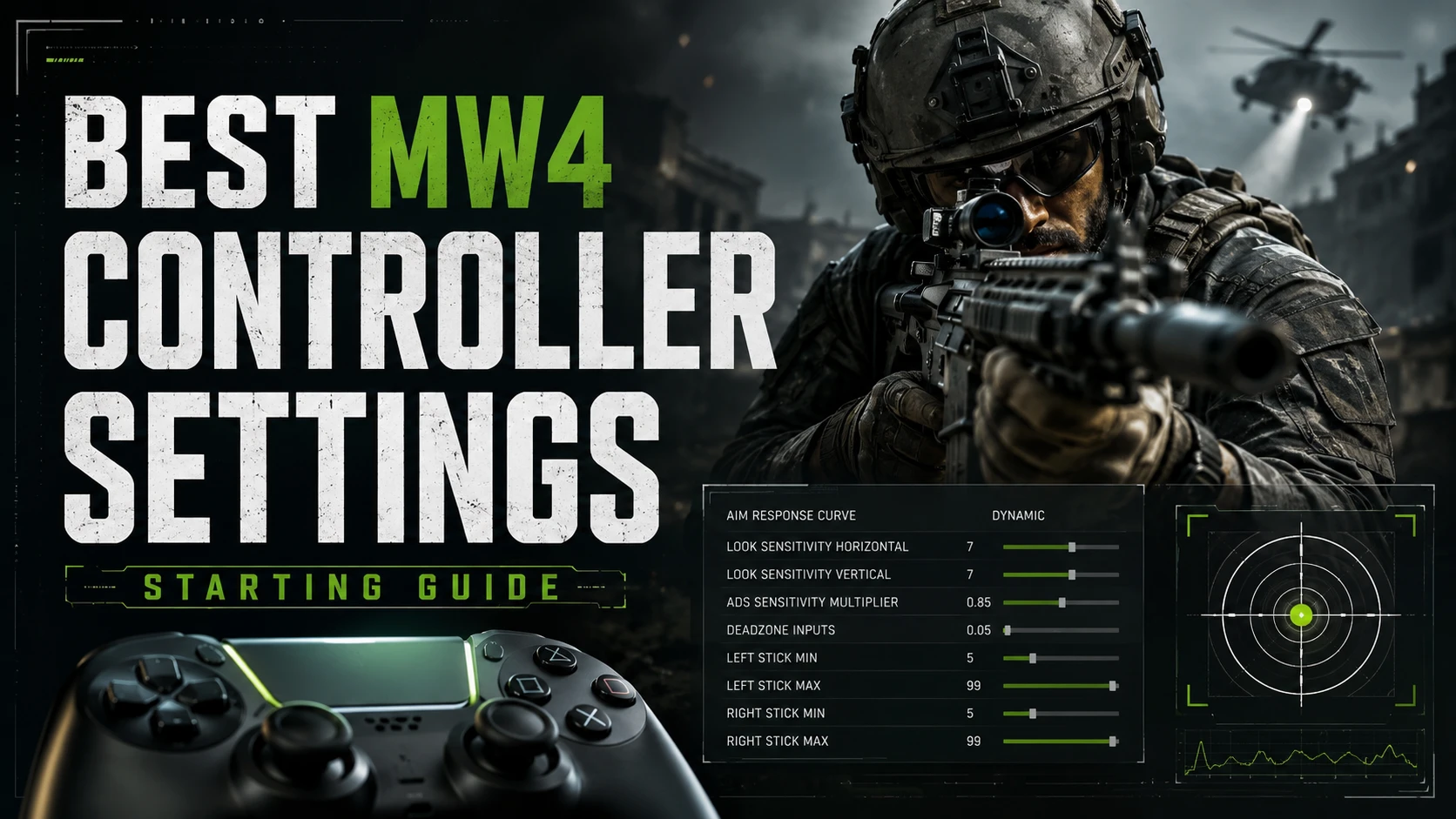
Updated September 5, 2026. Start with a comfortable sensitivity, an ADS speed you can control and the lowest stick deadzones that do not cause drift. There is no single best setup for every controller.
Quick controller setup
- Horizontal and vertical sensitivity: use your familiar baseline, then change one step at a time. Do not copy a number from another Call of Duty game unless the sensitivity scale matches.
- ADS sensitivity: if fine aiming feels too fast, try a slightly lower ADS multiplier and compare it with your baseline.
- Minimum deadzones: lower each stick separately until drift appears, then raise it just enough to stop the unwanted input.
- Vibration: try Off if it distracts you during gunfights.
- Response curve: compare the options actually available in your build. Keep the one that makes small corrections feel predictable.
This is a practical tuning guide, not a measured pro preset. The earlier version suggested 7/7 sensitivity and 0.85 ADS; those values were not verified in MW4 and should not be treated as a tested recommendation.
MW4 beta settings and launch changes
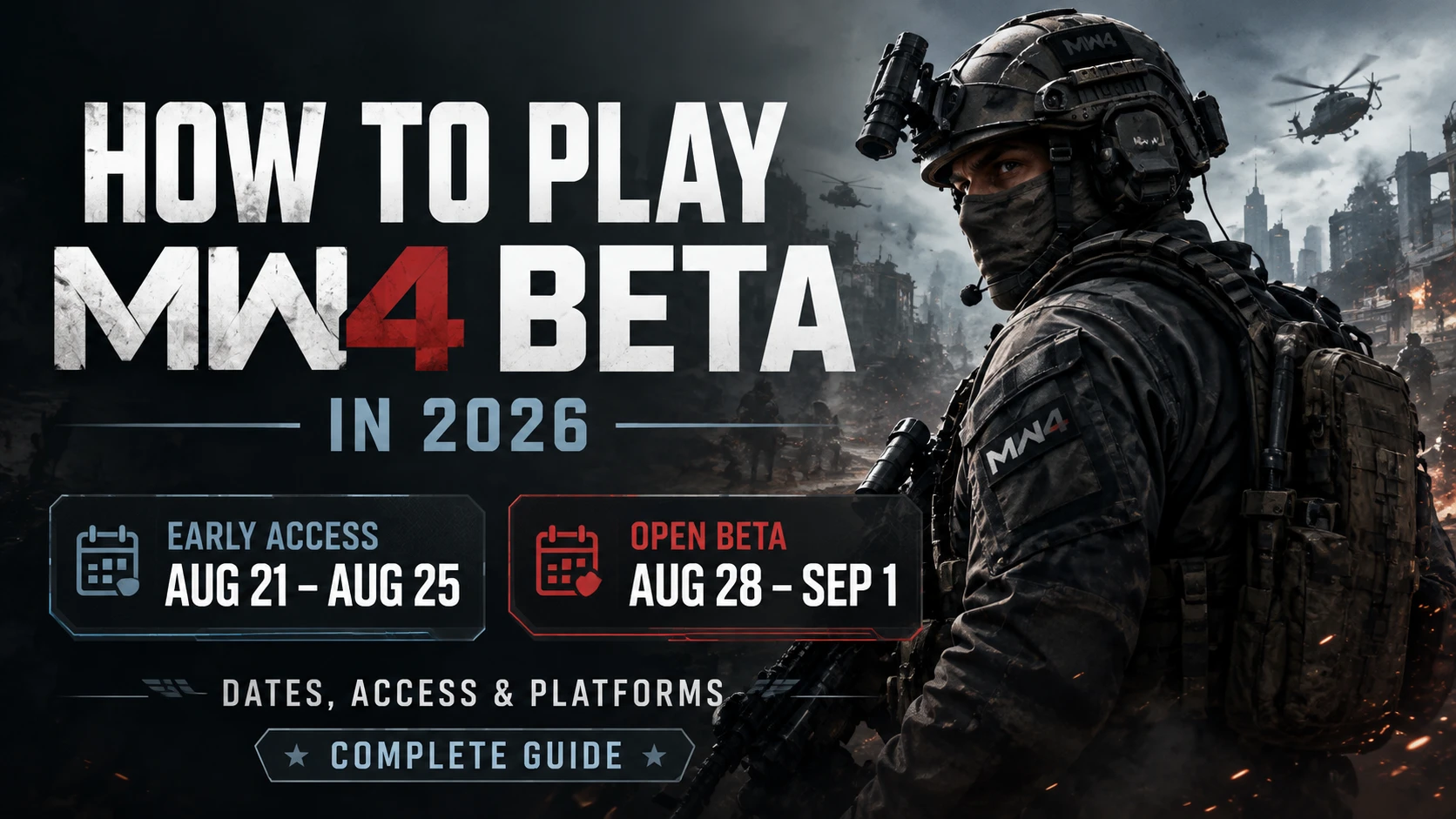
The beta has ended. Infinity Ward's September 1 update says further aim-assist changes are planned before launch, so a beta setup may need adjusting later. See the official MW4 beta patch notes for the developer's changes.
How to find your sensitivity
When you can play, pick a familiar weapon and keep your field of view, attachments and response curve unchanged. Aim between two fixed points several times. If you repeatedly pass the target, lower sensitivity slightly. If you consistently stop short, increase it slightly.
Next, track a moving target while aiming down sights. If turning feels comfortable but tracking is too twitchy, adjust ADS sensitivity instead of changing your entire setup. Give each change several attempts before judging it.
Set left and right stick deadzones separately
- Stand still in a safe area and release both sticks.
- Watch for camera movement or unwanted character movement.
- Increase the minimum deadzone for the affected stick by the smallest available step.
- Release and move the stick several times to check that it settles reliably.
- Check that small intentional movements still register.
The right stick affects aiming; the left stick affects movement. A shared number is not automatically correct for both. If drift requires a large deadzone, also test the controller outside the game rather than compensating indefinitely with settings.
PS5, Xbox and PC controller settings
Use the same tuning method on PS5, Xbox or a controller connected to PC. Copy the reasoning behind a setup, not just its numbers: controller wear, stick shape and your own preference can change what feels comfortable.
On PC, keep the controller profile consistent while comparing settings. On any platform, make one change at a time so you can tell which adjustment helped. Platform-specific screenshots and measured presets are not included here because we have not verified them.
What to change when your aim feels wrong
- You overshoot before aiming down sights: reduce your base sensitivity slightly.
- You overshoot only while aiming down sights: test a lower ADS multiplier.
- The camera moves with your hands off the controller: check right-stick drift and minimum deadzone.
- Small movements do nothing: check whether the deadzone is unnecessarily large.
- Your aim feels different after an update: check the patch notes before rebuilding your setup.
Keep a settings record
Save a screenshot or note with your platform, controller, game version, sensitivity, ADS multiplier, deadzones and response curve. Test close-range tracking, a longer-range target and quick turns using the same weapon. Keep the setup that is repeatable across those situations.
Related MW4 guides
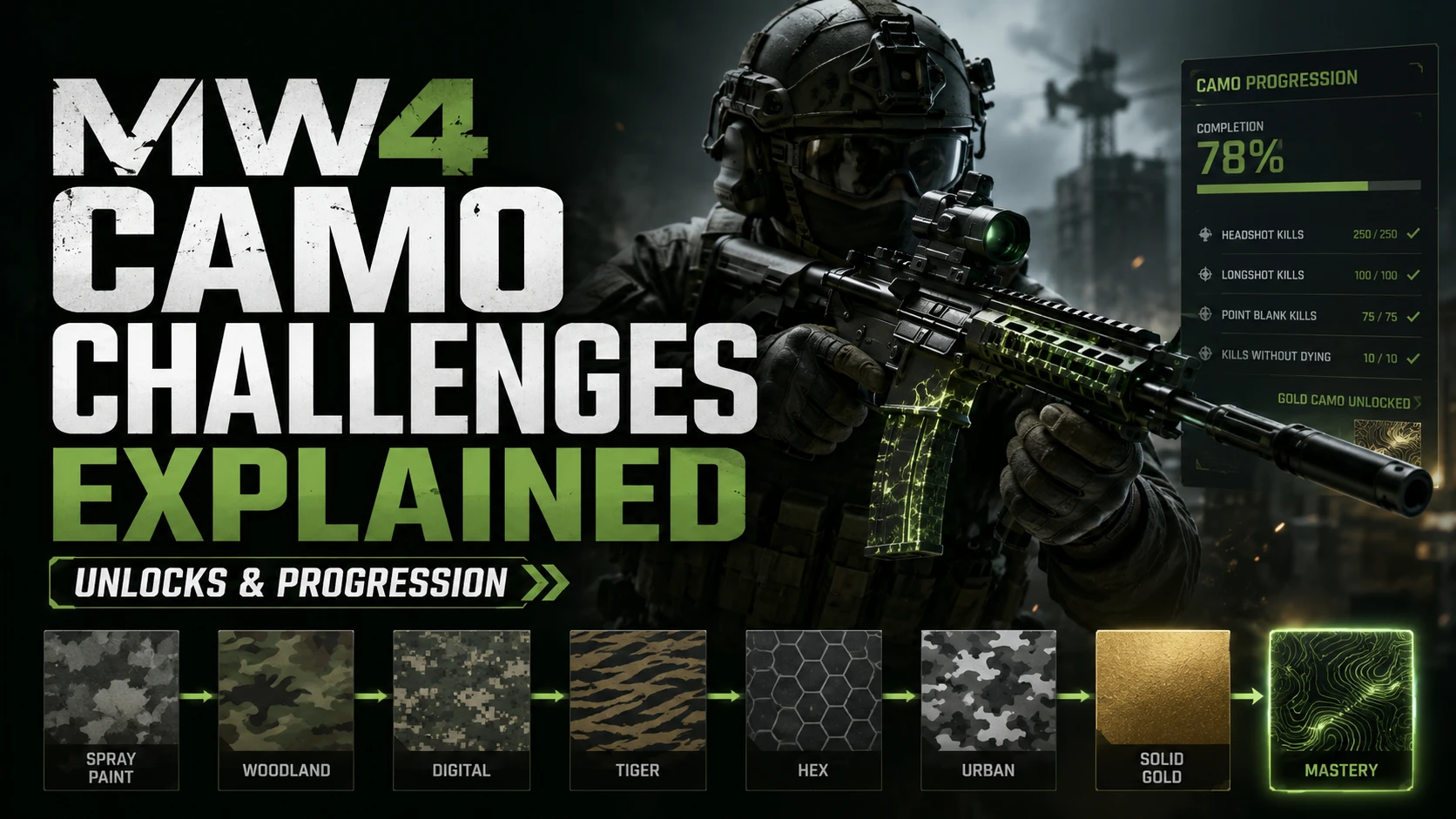
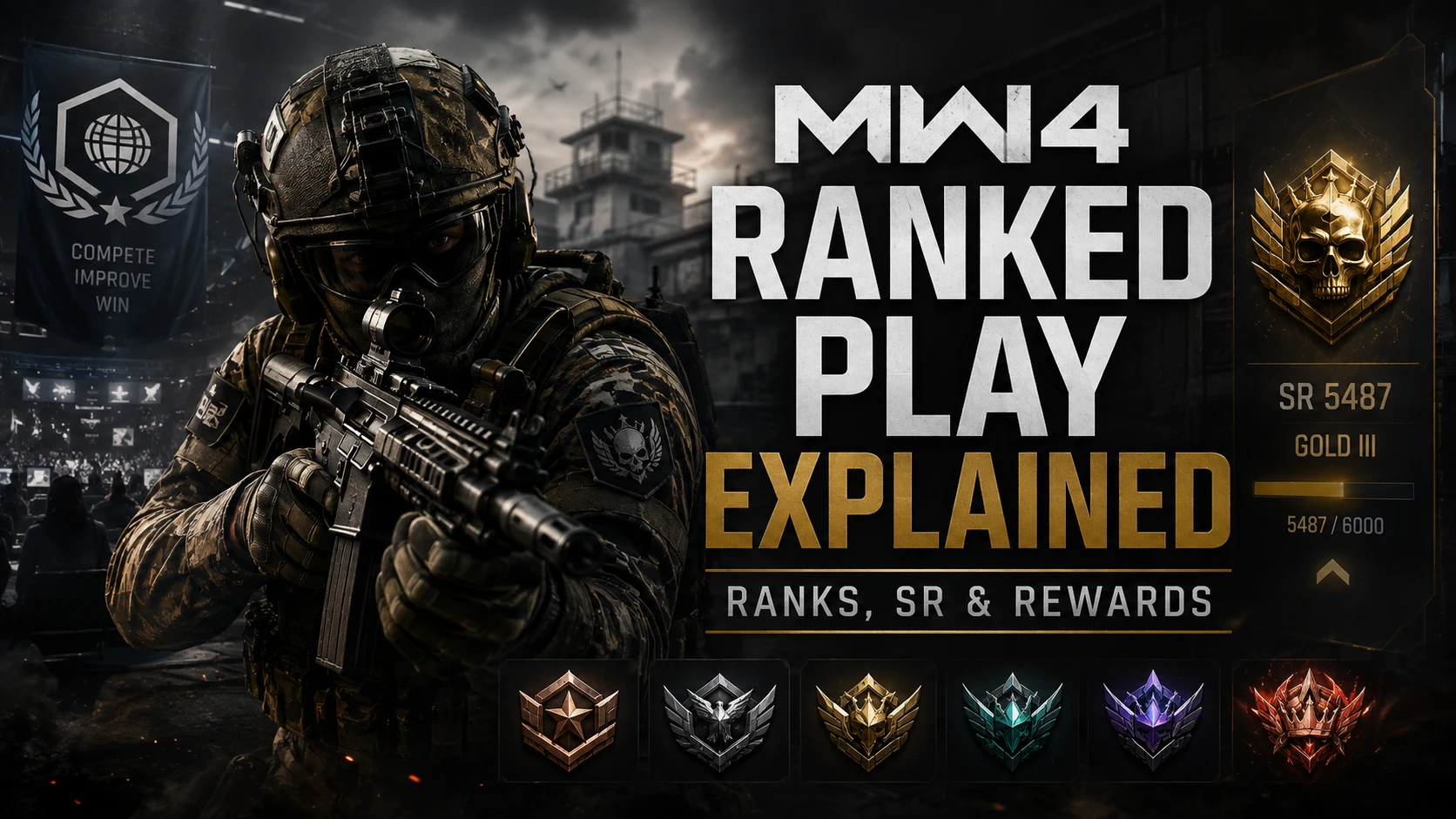
Planning your progression? Read our MW4 camo challenge guide and MW4 Ranked Play overview. For questions about Turbo Lobbies services and availability, contact us on Discord.
Published at Aug 17, 2026