MW4 Camo Challenges Explained
Understand the confirmed MW4 camo structure and prepare a practical weapon challenge checklist for launch.
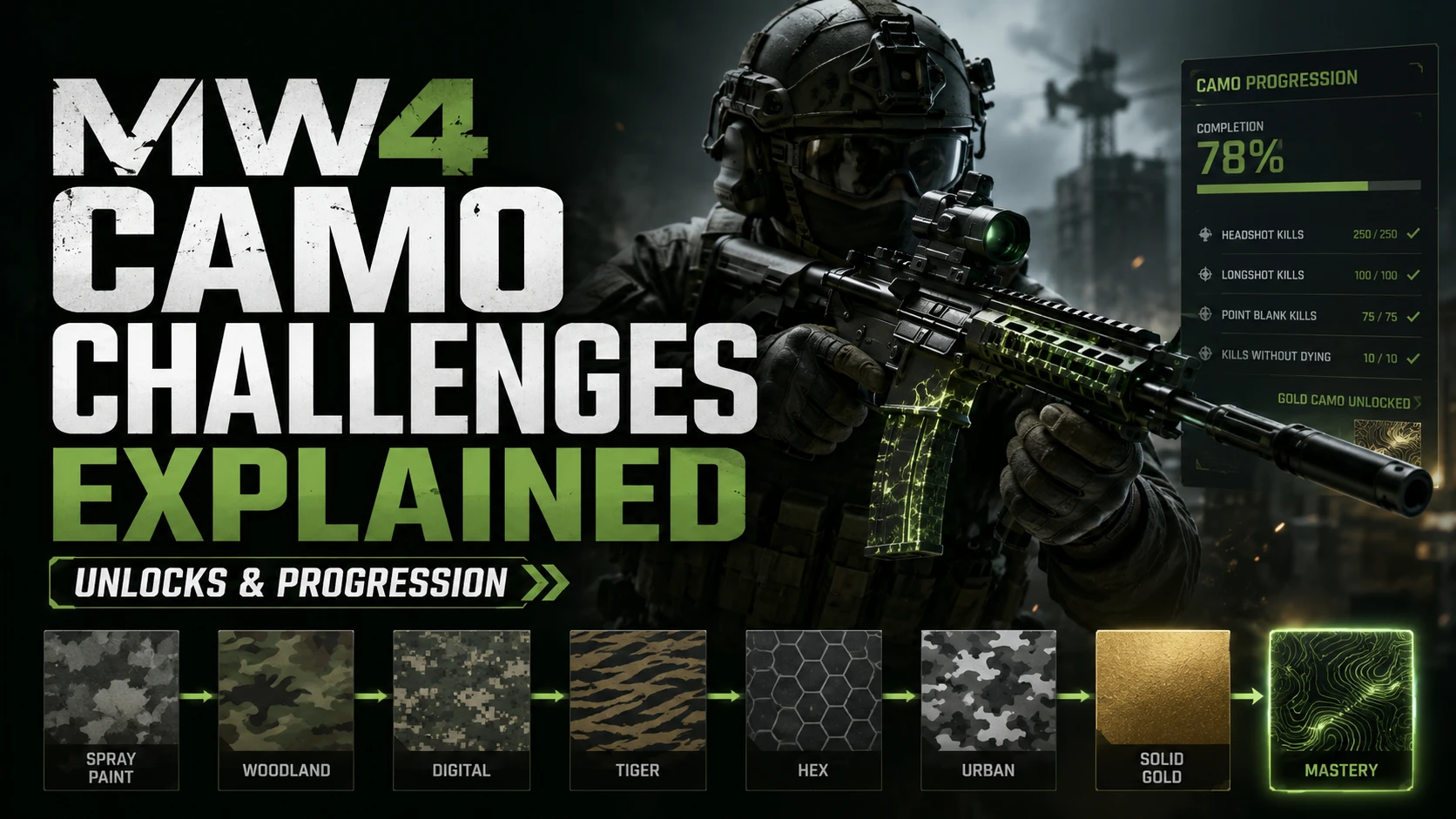
Updated September 5, 2026. MW4 camo progression has now been outlined by Call of Duty. This guide explains how to plan your challenges and track progress when the game launches.
What is confirmed about MW4 camo challenges?
The August 21 official Multiplayer overview describes weapon Camo Tracks across Multiplayer, DMZ and Warzone, leading to Mastery Camo Challenges. It announces three Mastery Camos per mode, nine in total. That overview does not supply a complete weapon-by-weapon list of challenge requirements.
Our earlier August 17 article predated that reveal. This page now focuses on challenge preparation; the MW4 Mastery Camos guide covers the reward structure.
Build your challenge checklist at launch
For each weapon, record the exact objective displayed in the game before starting a grind. Use a note or spreadsheet with these fields:
- Weapon and mode: identify the exact weapon and the mode in which you are trying to progress.
- Challenge text: copy the requirement as displayed, including any attachment or distance conditions.
- Prerequisite: record what must be unlocked before the challenge becomes available.
- Progress before the match: note the current counter.
- Progress after the match: confirm that your approach actually counted.
- Next objective: choose the next task before switching weapons.
This prevents a common waste of time: repeating an action that looks relevant but does not satisfy the exact challenge wording.
How to approach the grind efficiently
Choose a small set of weapons you enjoy and finish a clear milestone before moving on. Keep your attachments and settings consistent while checking whether an objective tracks. Combine objectives only when the game confirms that both are active and your actions count toward each.
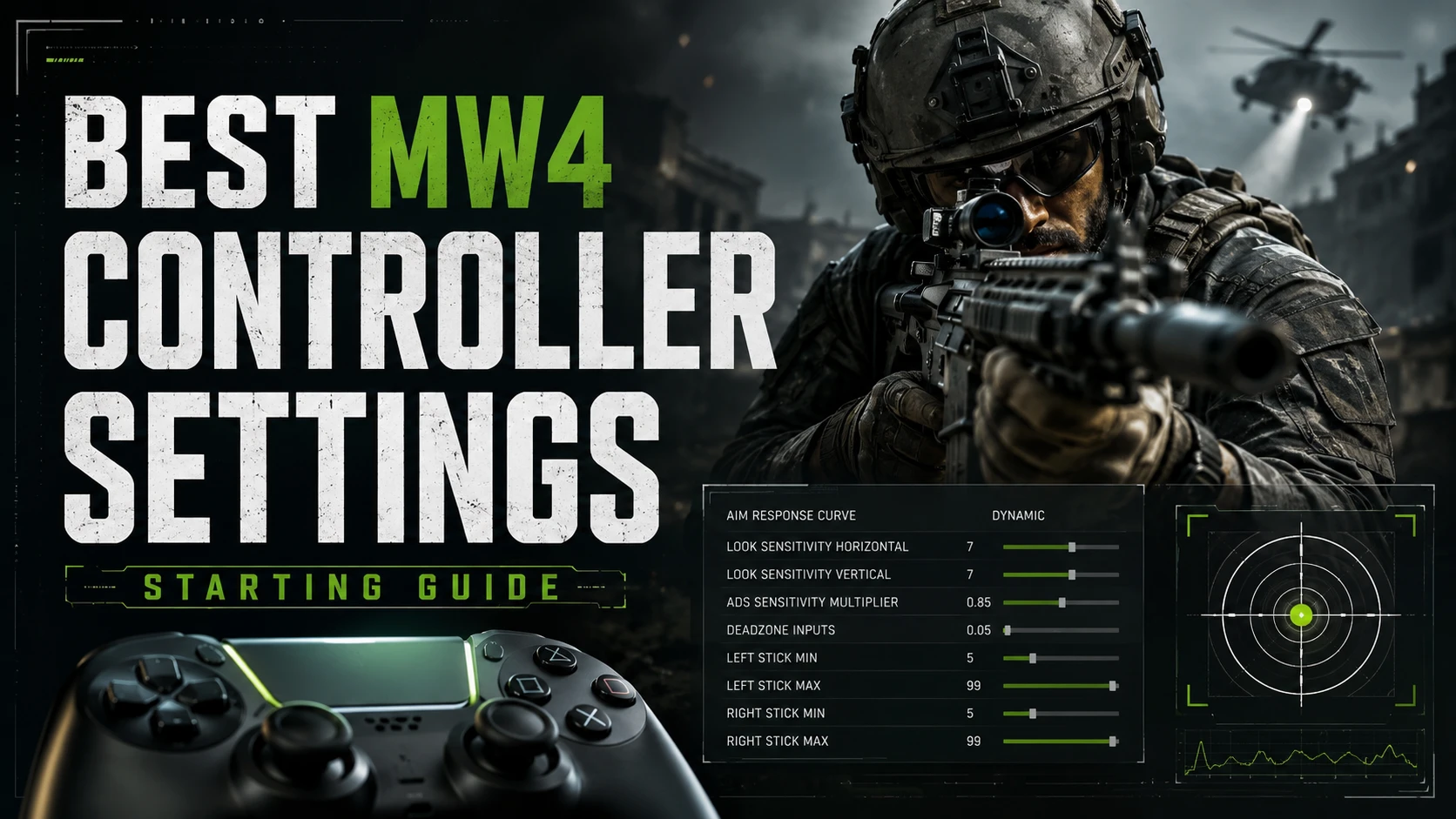
Do not assume that familiar headshot, longshot or streak requirements from older games will apply unchanged. Read the MW4 objective itself. Our controller settings guide can help you build a more consistent aiming setup.
What to check if a camo challenge is not tracking
- Confirm that you selected the correct weapon and challenge.
- Check that all prerequisites are complete.
- Match the required mode, equipment and action exactly.
- Finish the match and compare the progress counter again.
- Check the official known issues or patch notes before changing several things at once.
Keep a screenshot of the objective and a short note about what you tried. That makes it easier to distinguish a misunderstood requirement from a possible tracking issue.
Can you complete the full camo grind before launch?
Do not treat beta progress or a promotional reward as proof that the full launch challenge tree is complete. Check each reward's official conditions separately. Avoid planning around unverified lists of exact kill counts or unlock requirements.
Getting help with progression
For Turbo Lobbies options, see MW4 Challenge Completions and MW4 Mastery Camo Services. Before ordering, contact support to confirm availability and whether your exact objective is supported.
Frequently asked questions
Are the complete challenge requirements listed here?
No. This is a preparation and troubleshooting guide. Exact weapon requirements should be checked against the launch game and official updates.
Should I level every weapon first?
Check the actual prerequisites before committing your time. Start with a manageable set of weapons and track what each unlock requires.
Where can I see the Mastery Camo overview?
Read our Mastery Camo guide for the confirmed structure and links to the official reveal.
Published at Aug 17, 2026